You can showcase your LinkedIn company content on your website by using a LinkedIn company widget that collects selected LinkedIn posts and displays them directly on relevant webpages. Depending on the tool you use, you can customise the feed, choose which content appears, generate an embed code, and add it to your website without manually copying every LinkedIn post.
This approach can help connect your LinkedIn presence with your website and give visitors access to company updates, industry insights, employee stories, event content, and other social posts without requiring them to leave your website.
But where should you place the feed, what content should you show, and how can you make sure it actually adds value?
What Is a LinkedIn Company Widget?
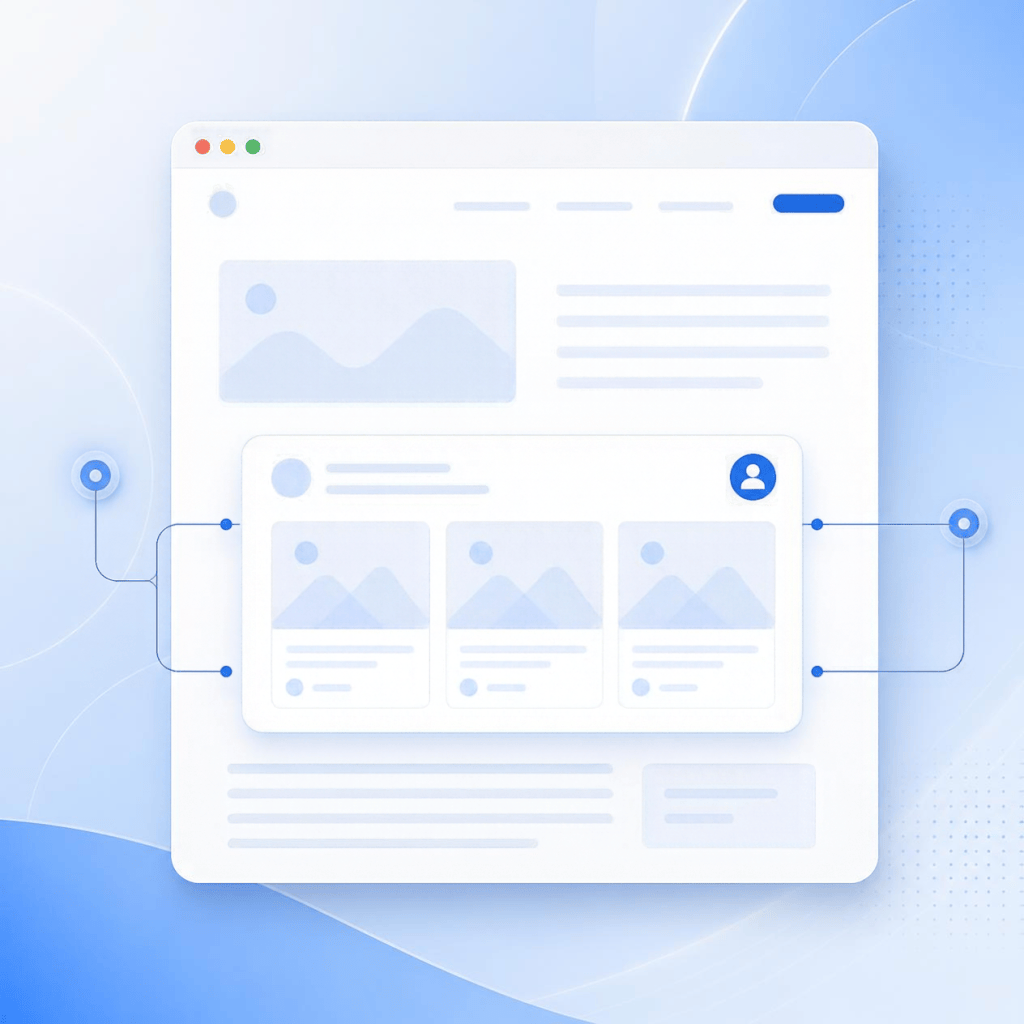
A LinkedIn company widget is a website element that allows businesses to display content from their LinkedIn company presence directly on their website.
Depending on the solution, it may display recent company posts, updates, images, links, or other supported LinkedIn content.
The idea is straightforward: instead of keeping your website and LinkedIn presence completely separate, you can bring selected social content into your website experience.
For example, a technology company might use its LinkedIn page to publish industry insights and product updates. Displaying some of those posts on its website gives visitors another way to discover the company’s latest activity.
A LinkedIn widget can be especially relevant for B2B companies, SaaS businesses, agencies, consultants, professional service providers, and organisations that actively use LinkedIn for communication.
Why Should You Display LinkedIn Content on Your Website?
Your LinkedIn page can contain information that doesn’t appear elsewhere on your website.
Company announcements, employee achievements, event participation, industry discussions, partnerships, and professional insights can all provide additional context about your organisation.
Displaying selected content on your website can therefore help visitors discover more of your company’s current activity.
It can also make certain website pages feel more active. While core website pages may remain relatively static, your social content can change regularly.
The purpose isn’t simply to make a page look busier. The feed should provide information that supports what visitors are already trying to learn.
How Can You Add a LinkedIn Company Widget to Your Website?
Adding a LinkedIn company widget usually involves choosing a widget solution, connecting your LinkedIn content, customising the display, and embedding the resulting feed on your website.
Start by deciding what you want to showcase. This could be your latest company posts, selected industry updates, event-related content, or employee-focused posts.
Next, choose a suitable tool. Some tools focus on LinkedIn, while broader social media widget platforms can help businesses display content from multiple social networks.
Once the LinkedIn source is connected, customise the appearance of the feed. Depending on the solution, you may be able to change the layout, number of posts, spacing, typography, and other visual elements.
The tool will generally provide an embed method or code after the feed has been configured. You can then add it to a suitable section of your website using your CMS or website builder.
Before publishing, preview the page and check the widget on different screen sizes. Make sure the content loads correctly and doesn’t interfere with the rest of the page.
Which LinkedIn Content Should You Showcase?
Not every LinkedIn post needs to appear on your website.
The most useful content is usually content that gives visitors additional information about your company or industry.
For example, you could highlight:
- Industry insights and expert commentary
- Company milestones and announcements
- Employee achievements
- Event participation and highlights
- Product or service updates
- Educational posts
- Partnerships and collaborations
- Company culture content
The right selection depends on the purpose of the webpage.
A careers page may benefit from employee and workplace content, while a resource page may be better suited to educational and industry-focused posts.
Where Should You Place a LinkedIn Company Widget?
The best location depends on what you want the LinkedIn content to accomplish.
Homepage
Yes. A homepage can be a useful location for a small selection of recent company posts.
However, the feed doesn’t necessarily need to appear near the top. Important information such as your value proposition, products, services, and primary calls to action should remain easy to find.
A social feed can work well further down the page as an additional way for visitors to explore your company.
Location
An About Us page can be a natural place to showcase LinkedIn content related to your company’s activities.
Posts about milestones, partnerships, employees, events, and industry involvement can complement the information already provided on the page.
Instead of simply telling visitors what your company does, the social content can show some of the activities taking place around the business.
Careers Page
Employee stories, workplace events, team achievements, company culture, and professional development content may be more relevant to potential candidates than product-focused posts.
This can give prospective employees another view of the organisation beyond the formal information included on the careers page.
Event Pages
Event pages can also benefit from LinkedIn content.
If your business participates in or organises conferences, exhibitions, webinars, or other industry events, related LinkedIn posts can provide additional context.
For example, pre-event announcements can build awareness, while posts published during or after an event can provide highlights and perspectives.
How Can You Make the Widget Fit Your Website Design?
A social feed should feel like part of the website rather than an unrelated element placed on a page.
Start by considering the existing visual structure of the website. Spacing, typography, content width, and layout should work well with the widget.
It is also worth considering how many posts you actually need to display.
A large feed may push important content further down the page and create unnecessary scrolling. A smaller selection can often communicate the same idea without overwhelming visitors.
The goal should be balance: the LinkedIn content should be noticeable enough to discover but not so dominant that it takes attention away from the primary purpose of the page.
Should You Manually Add LinkedIn Posts or Use a Widget?
Both approaches can work, depending on your requirements.
If you only want to highlight one specific LinkedIn post, manually embedding or adding that post may be sufficient.
For example, a company might want to feature a major announcement, an executive’s industry insight, or an important event update.
However, manually adding individual posts can become difficult to maintain when your company publishes frequently.
A widget-based feed can provide a more practical approach when you want to display multiple or regularly updated posts.
The choice ultimately depends on how frequently you publish, how much control you need, and how often the website content needs to change.
Can a LinkedIn Company Widget Improve Website Engagement?
A LinkedIn feed widget shouldn’t be treated as a guaranteed way to increase engagement.
Its value comes from making relevant content easier for visitors to discover.
For example, a person researching a B2B company might read its service information first. Seeing recent industry posts afterwards can give that visitor more context about the company’s expertise and current activities.
In this situation, the widget supports the existing website experience rather than replacing other forms of useful content.
What Should You Check Before Adding a LinkedIn Widget?
Before publishing a LinkedIn feed, consider a few practical questions:
- Is the content relevant to the webpage?
- Does the widget work on mobile devices?
- Can you customise the layout?
- Can you control which posts are displayed?
- Does the feed update reliably?
- Is it compatible with your website platform?
- Will it affect page performance?
- Does the design match your existing website?
These questions can help you select an approach that works for your actual website rather than choosing a tool based only on its appearance.
How Can You Get More Value From Your LinkedIn Content?
Think of your LinkedIn content as another source of website material rather than simply something to display.
An industry insight could complement a related resource page. An employee achievement could support a careers page. Event content could enhance an event recap. A company announcement could provide additional context on an About page.
This approach gives each piece of social content a purpose.
It also prevents the website from becoming filled with generic feeds that don’t contribute anything meaningful to the visitor.
What Is the Best Way to Use a LinkedIn Company Widget?
The most useful approach is to treat the widget as an extension of your website content strategy.
Choose LinkedIn posts that are relevant to the audience, place them on pages where they add context, and keep the presentation clean.
You don’t need to display every post or place a feed on every webpage. A carefully selected feed can be more useful than a large collection of unrelated updates.
Your LinkedIn page and website serve different purposes, but they can work together. Your website provides detailed information about your business, while LinkedIn can show ongoing conversations, updates, expertise, and company activity.
A LinkedIn company widget simply creates a connection between these two content channels.
Final Thoughts
Showcasing LinkedIn content on your website doesn’t have to be complicated. A suitable LinkedIn company widget can bring selected company posts and updates into your website while reducing the need to manually recreate social content.
The important part is deciding what to display and where it belongs.
Whether you use the widget on your homepage, About Us page, careers section, resource centre, or event page, make sure the content supports the purpose of that page.
When the feed is relevant, well-designed, mobile-friendly, and thoughtfully placed, it can become a useful connection between your company’s LinkedIn presence and its website.



Leave a Reply