Social proof has become one of the most powerful conversion drivers for modern websites. Whether it’s displaying Instagram feeds, showcasing Google reviews, embedding LinkedIn posts, or adding TikTok videos to landing pages, website widgets are now a core part of digital marketing.
That’s exactly where SociableKIT enters the picture.
SociableKIT is a no-code widget platform that helps businesses embed social media feeds, customer reviews, videos, testimonials, and interactive content onto websites without needing advanced development skills.
But is it actually worth using in 2026?
Does it help SEO?
Is the free plan enough?
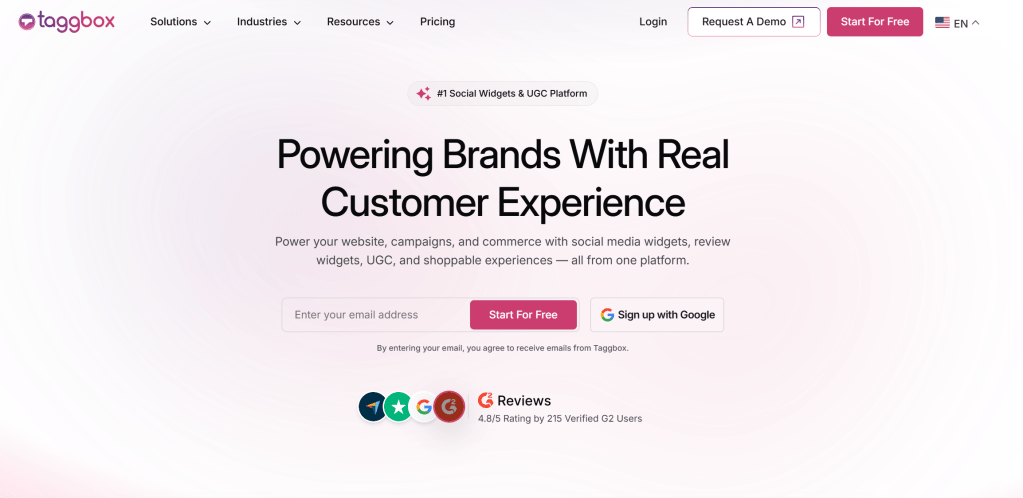
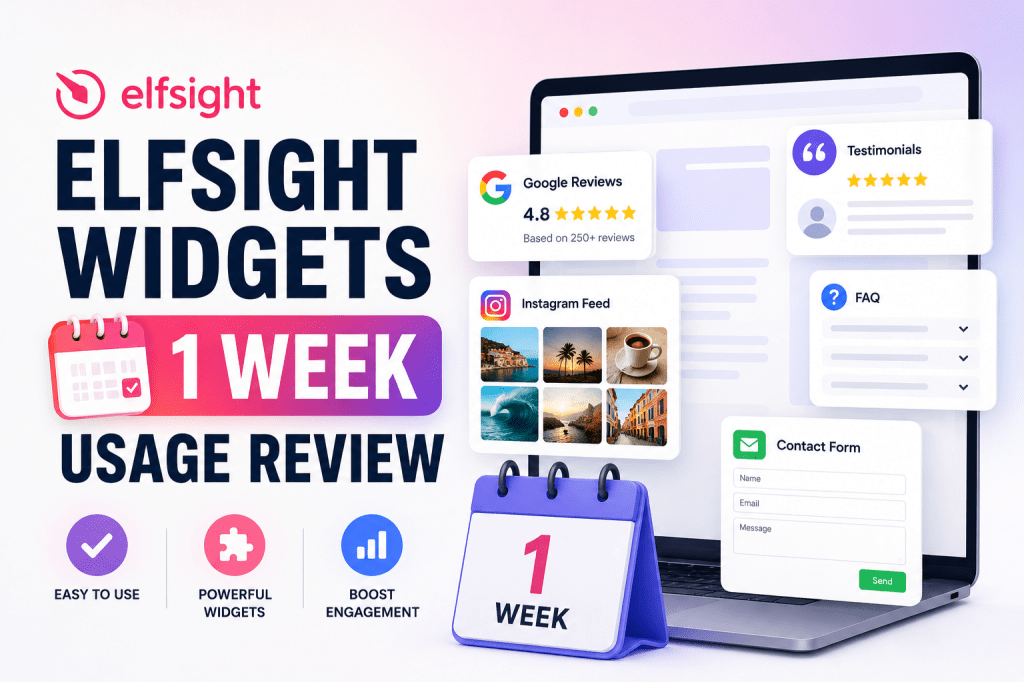
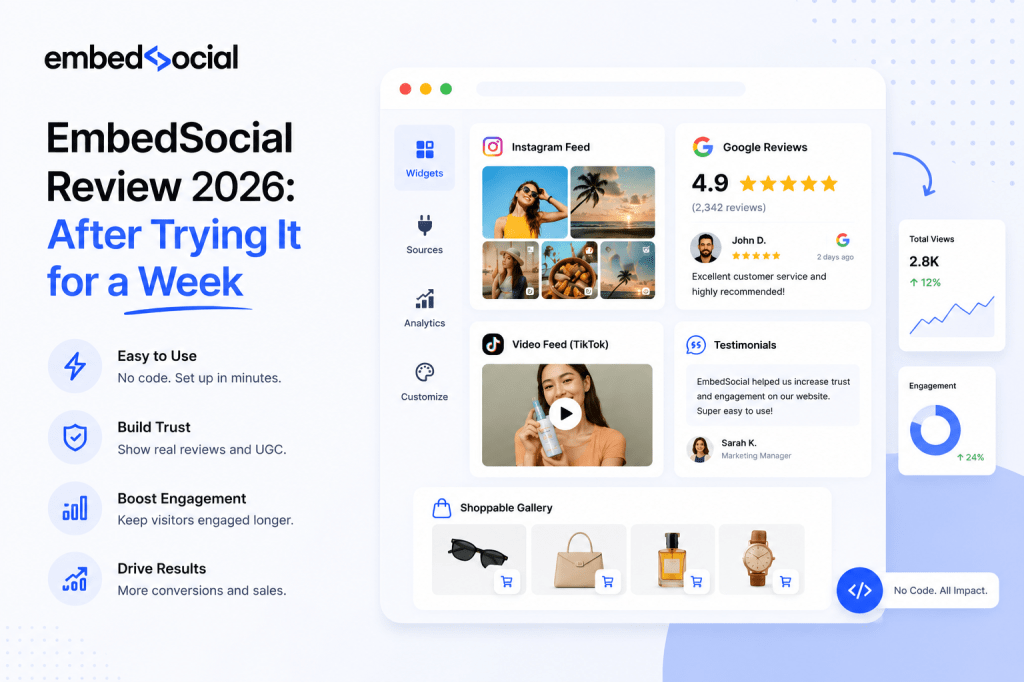
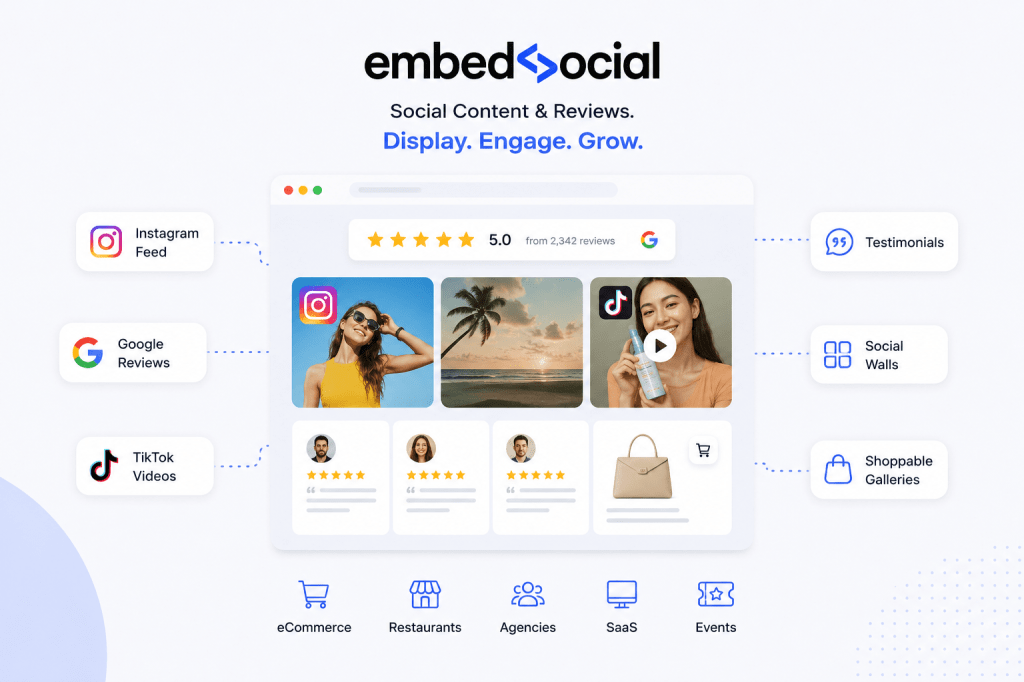
And how does it compare against platforms like Taggbox, Elfsight, or EmbedSocial?
After testing the platform, analyzing its features, pricing, integrations, and SEO impact, here’s a complete breakdown of everything you need to know.
What Is SociableKIT?
SociableKIT is a cloud-based widget platform that allows users to embed content from social media platforms and review sites directly onto websites.
Instead of manually updating website content every time you post on Instagram or receive a Google review, SociableKIT automatically syncs and displays fresh content in customizable widgets.
The platform focuses heavily on simplicity.
You don’t need coding knowledge.
Most widgets can be set up in minutes using copy-paste embed codes.
What Does SociableKIT Do?
SociableKIT primarily helps businesses:
- Display social media feeds
- Showcase customer reviews
- Add video galleries
- Embed testimonials
- Create social proof sections
- Keep websites updated automatically
- Improve engagement with dynamic content
The platform supports widgets for:
- TikTok
- YouTube
- Google Reviews
- Yelp
- Airbnb Reviews
- TripAdvisor
- RSS feeds
- Podcasts
- Calendars
- Testimonials
One of the biggest reasons users choose SociableKIT is the large variety of supported widget types.
Instead of using separate plugins for every platform, users can manage everything from one dashboard.
Who Should Use SociableKIT?
SociableKIT is best suited for:
Small Businesses
Local businesses can display:
- Google reviews
- Facebook recommendations
- Instagram galleries
- Customer testimonials
This improves trust and conversions without requiring expensive custom development.
Ecommerce Brands
Online stores can use:
- Instagram shoppable feeds
- TikTok product showcases
- User-generated content galleries
- Social proof widgets
These help increase engagement and purchase confidence.
Agencies
Marketing agencies managing multiple client websites can use SociableKIT to:
- Centralize widget management
- Quickly deploy embeds
- Maintain social proof sections
- Reduce development time
B2B Companies
The LinkedIn feed widgets are particularly useful for:
- Recruitment pages
- SaaS companies
- Consulting firms
- Corporate websites
Bloggers & Publishers
Publishers can automatically display:
- Social updates
- YouTube videos
- Podcasts
- Review snippets
This keeps content fresh with minimal manual updates.
SociableKIT Features Breakdown
One of SociableKIT’s biggest strengths is its massive widget library.
Unlike some competitors that focus only on Instagram or reviews, SociableKIT supports dozens of feed and embed types.
Social Media Feed Widgets
Instagram Feed Widget
The Instagram widget allows businesses to display:
- Profile feeds
- Reels
- Tagged posts
- Hashtag feeds
This is useful for ecommerce stores, creators, restaurants, and travel brands that rely heavily on visual marketing.
The layouts are responsive and mobile-friendly.
However, advanced customization options are more limited compared to premium competitors.
LinkedIn Feed Widget
The LinkedIn feed widget is one of SociableKIT’s standout features because relatively few competitors offer strong LinkedIn integrations.
It can display:
- Company posts
- Profile updates
- LinkedIn page feeds
This makes it valuable for:
- B2B businesses
- Recruitment agencies
- SaaS startups
- Corporate brands
For professional websites, this widget adds credibility and keeps company activity visible.
Facebook Feed Widget
Users can embed:
- Facebook posts
- Page timelines
- Albums
- Videos
The widget automatically syncs updates from Facebook pages.
TikTok Widget
TikTok embeds are becoming increasingly popular due to the rise of short-form content.
SociableKIT lets users:
- Display TikTok videos
- Create video walls
- Embed creator feeds
This works particularly well for younger consumer-focused brands.
YouTube Feed Widget
The YouTube widget can display:
- Video galleries
- Playlists
- Channels
- Shorts
This improves content discoverability while increasing video engagement.
Review Widgets
Review widgets are among the most valuable features on the platform because they directly influence conversion rates.
Google Reviews Widget
The Google Reviews widget helps businesses display:
- Star ratings
- Customer reviews
- Review carousels
- Live review feeds
This creates strong trust signals for visitors.
Businesses using review widgets often experience:
- Higher conversion rates
- Better credibility
- Increased local trust
- Improved user engagement
Fresh reviews also help keep pages dynamically updated.
Facebook Reviews Widget
Useful for businesses with strong Facebook communities.
The widget automatically syncs recommendations and ratings.
Yelp Reviews Widget
Popular among restaurants, salons, local businesses, and hospitality brands.
Airbnb & TripAdvisor Widgets
These widgets are particularly useful for:
- Hotels
- Vacation rentals
- Tour companies
- Travel agencies
Displaying authentic reviews directly on booking pages can significantly improve conversion rates.
Customization Features
SociableKIT keeps customization beginner-friendly.
Users can modify:
- Layout styles
- Colors
- Width and height
- Grid formats
- Carousel views
- Dark/light themes
Some widgets also support custom CSS for advanced styling.
However, compared to enterprise-level platforms, customization flexibility is still somewhat limited.
This may matter for brands requiring pixel-perfect designs.
Website Integrations
SociableKIT integrates with most modern website builders.
WordPress
Users can embed widgets using:
- HTML blocks
- Shortcodes
- Plugin integrations
The process is beginner-friendly and usually takes less than 5 minutes.
Shopify
Ecommerce stores can add:
- Product-related social feeds
- Reviews
- Instagram galleries
without modifying theme files extensively.
Wix, Squarespace & Webflow
Most no-code website builders are supported through simple embed snippets.
This makes deployment extremely easy for non-technical users.
Automation Features
One of the most useful aspects of SociableKIT is automation.
Auto Syncing
Widgets automatically update whenever new content is published.
This eliminates manual website updates.
Content Moderation
Users can:
- Hide posts
- Filter unwanted content
- Approve specific items
This is especially useful for user-generated content campaigns.
Scheduling & Dynamic Updates
Some widgets support automated refresh cycles, helping websites remain visually active.
Fresh content can indirectly improve engagement metrics.
SociableKIT Pricing Explained
Pricing is one of the most searched topics around SociableKIT.
Many users initially discover the platform because of its free widget offerings.
Is SociableKIT Free?
Yes, SociableKIT offers a free plan.
However, the free version comes with limitations such as:
- Branding
- Limited widget views
- Restricted customization
- Fewer premium integrations
For testing purposes, the free plan is usually sufficient.
But businesses with growing traffic will likely need a paid plan.
Paid Plans Overview
Pricing typically scales based on:
- Number of widgets
- Monthly views
- Premium features
- Advanced customization
- Refresh frequency
The platform positions itself as relatively affordable compared to some competitors.
That said, costs can increase quickly for agencies or high-traffic websites.
Is SociableKIT Worth The Price?
For small businesses and creators, the pricing is generally reasonable.
The value becomes stronger if you actively use multiple widget types from one dashboard.
Instead of paying for separate tools for:
- Instagram feeds
- Reviews
- LinkedIn embeds
- TikTok galleries
you manage everything centrally.
However, larger brands may eventually outgrow the platform if they require highly advanced customization or enterprise-level analytics.
How To Use SociableKIT
One reason SociableKIT has become popular is its simplicity.
The setup process is extremely beginner-friendly.
Step 1: Create An Account
Users simply sign up on the platform and choose the widget they want to create.
Step 2: Connect Your Platform
Depending on the widget type, users connect:
- Google Business Profile
- TikTok
- YouTube
Authentication is handled through official APIs.
Step 3: Customize The Widget
Users can adjust:
- Layout
- Colors
- Display format
- Feed type
- Card styles
Step 4: Copy The Embed Code
SociableKIT generates a simple embed snippet.
Users paste it into:
- WordPress
- Shopify
- Webflow
- Wix
- HTML pages
The widget becomes live immediately.
SociableKIT SEO Impact
One of the biggest questions surrounding widget platforms is whether they help or hurt SEO.
The answer is more nuanced than most people think.
Can Widgets Improve SEO?
Indirectly, yes.
Widgets themselves do not magically improve rankings.
However, they can contribute to better SEO performance through:
- Increased engagement
- Improved trust signals
- Longer dwell time
- Better user experience
- Fresh content updates
For example, displaying live Google reviews can improve conversion trust.
Instagram galleries may increase page interaction.
Video embeds can reduce bounce rates.
All of these behavioral improvements can support stronger SEO performance over time.
Potential SEO Risks
There are also downsides.
JavaScript Rendering Issues
Many widgets rely heavily on JavaScript.
If Google struggles to render content properly, some embedded content may not be indexed.
Page Speed Problems
Poorly optimized widgets can:
- Increase script requests
- Slow loading times
- Hurt Core Web Vitals
This is especially important after Google’s Page Experience updates.
Layout Shift Issues
Improperly sized embeds can cause CLS (Cumulative Layout Shift) problems.
That negatively affects user experience scores.
Best Practices For SEO-Friendly Widget Usage
To minimize SEO risks:
- Lazy load widgets below the fold
- Compress images
- Limit unnecessary embeds
- Use static fallback content
- Test Core Web Vitals regularly
- Avoid embedding excessive feeds on one page
A balanced implementation is the key.
SociableKIT Pros And Cons
Pros
Beginner Friendly
The interface is easy to understand even for non-technical users.
Large Widget Library
Supports a wider variety of widgets than many competitors.
Fast Setup
Most widgets can go live within minutes.
Multi-Platform Support
Useful for businesses managing several social channels.
Affordable Entry Point
The free plan lowers the barrier to entry.
Cons
Limited Advanced Customization
Power users may find design flexibility somewhat restrictive.
Potential Performance Impact
Heavy embeds can affect page speed if not optimized carefully.
Scaling Costs
High-traffic sites may face increasing subscription costs.
Dependency On Third-Party Scripts
If APIs change or platforms restrict access, widgets may occasionally break.
Is SociableKIT Safe And Legit?
Yes, SociableKIT appears to be a legitimate platform.
It uses secure HTTPS connections and official platform integrations.
However, like all third-party widget tools, users should still evaluate:
- Script performance
- Privacy compliance
- Cookie behavior
- Data permissions
Businesses operating in GDPR-sensitive regions should review compliance configurations carefully.
Final Verdict: Is SociableKIT Worth It?
SociableKIT is a strong option for businesses looking for a simple, no-code solution for social feeds and review widgets.
Its biggest strengths are:
- Ease of use
- Large widget variety
- Beginner-friendly setup
- Affordable entry pricing
The platform is especially useful for:
- Small businesses
- Creators
- Agencies
- Ecommerce stores
- B2B brands using LinkedIn
However, larger brands requiring:
- Advanced customization
- Enterprise analytics
- Highly optimized performance
- Complex moderation workflows
may eventually need more advanced alternatives.
Overall, SociableKIT offers solid value for businesses wanting quick social proof integration without technical complexity.

 Widgets Code
Leave a comment