Taggbox has quietly become one of the most recognizable names in the social proof and UGC industry. From Instagram widgets and Google Reviews embeds to event social walls and shoppable galleries, the platform positions itself as an all-in-one solution for brands that want to turn customer content into conversions.
But after testing the platform hands-on, the bigger question becomes:
Is Taggbox actually worth paying for in 2026, or are there better alternatives available now?
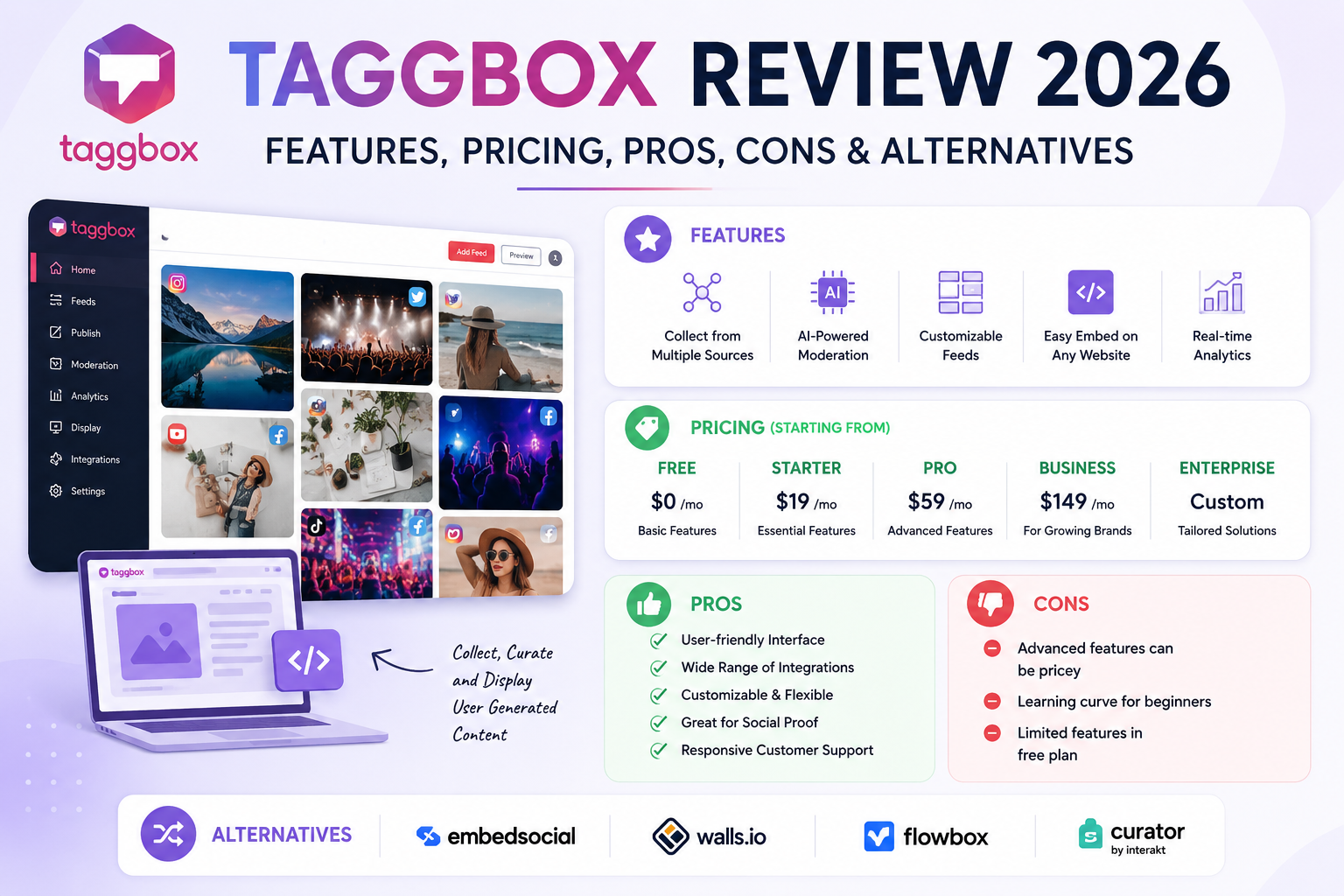
I spent time exploring its dashboard, widget builder, moderation system, pricing structure, integrations, and customization options to understand where it performs well and where it falls short.
If you’re researching:
- Taggbox pricing
- Taggbox alternatives
- Taggbox widgets
- Taggbox social walls
- Taggbox reviews
- Taggbox LinkedIn feed widget
- Taggbox Google Reviews widget
This guide covers everything in detail.
What Is Taggbox?
Taggbox is a social media aggregation and user-generated content platform designed to help brands collect, curate, and display content from social platforms on websites, ecommerce stores, digital displays, and live events.
The platform supports:
- Instagram feeds
- LinkedIn feeds
- TikTok videos
- YouTube galleries
- Facebook feeds
- Google Reviews
- Yelp Reviews
- Airbnb Reviews
- hashtag campaigns
- shoppable galleries
Its core selling point is simple:
Instead of relying only on branded marketing visuals, businesses can showcase real customer content directly on their website.
That creates:
- more trust
- better engagement
- stronger social proof
- higher conversion potential
According to Taggbox, brands using its widgets have seen:
Quick Verdict: Is Taggbox Worth It?
For most ecommerce brands, agencies, and event marketers, Taggbox is a genuinely strong platform.
The interface is modern, setup is fairly straightforward, and the widget designs look much better than many older social proof widgets.
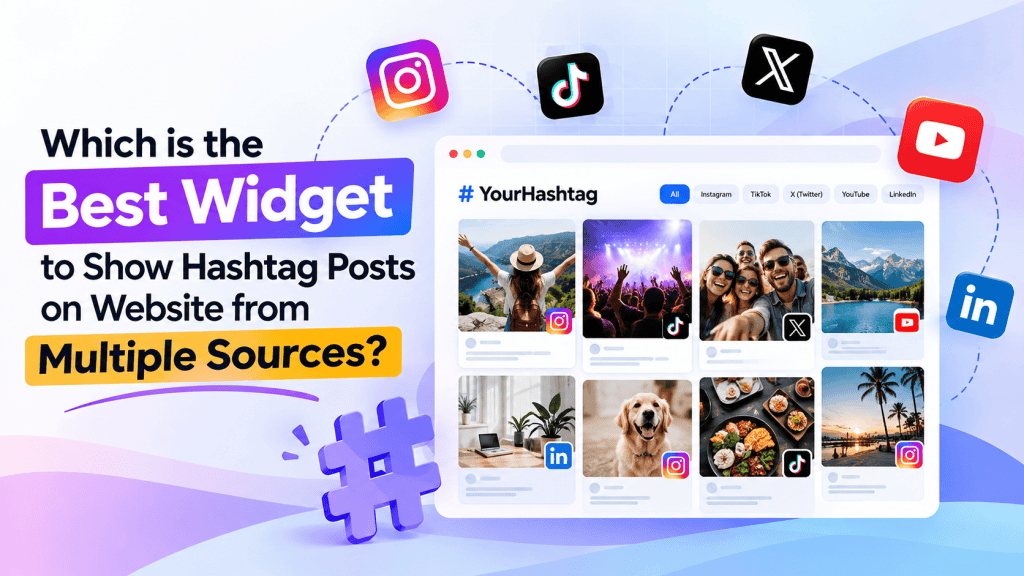
Taggbox is one of the best hashtag feed widget available in the market, but not only this, it is also considered reliable when it comes to;
- review widgets
- social proof displays
- Instagram galleries
- event social walls
- UGC campaigns
- shoppable feeds
Where it struggles:
- pricing scales quickly
- advanced customization can become expensive
- some competitors offer cleaner UI flexibility
- feature separation between products can feel confusing
If you need a polished UGC platform with strong integrations and visual widgets, Taggbox is absolutely worth considering.
If you’re on a tighter budget or need deep customization, alternatives like EmbedSocial or Walls.io may fit better.
My Experience Using Taggbox for 7 Days
One thing I appreciated immediately was that Taggbox does not overwhelm new users during onboarding.
The dashboard is visually clean and much easier to navigate than some enterprise-focused UGC tools.
Creating the first widget took around 10–15 minutes.
The process looked like this:
- Choose source platform
- Connect social account
- Select layout
- Moderate content
- Customize styling
- Copy embed code
That simplicity is one of Taggbox’s biggest strengths.
What I Liked
1. Taggbox Widget Designs Look Modern
A lot of social widget platforms still look outdated.
Taggbox widgets actually feel optimized for modern ecommerce websites.
Especially:
- carousel layouts
- masonry grids
- shoppable galleries
- review showcases
2. Review Widgets Are Strong
The Google Reviews widget impressed me more than expected.
It supports:
- automatic review syncing
- layout customization
- star ratings
- CTA buttons
- responsive design
For local businesses and ecommerce stores, this is probably one of the platform’s strongest use cases.
3. Social Walls Are Surprisingly Good
Taggbox originally became popular because of event social walls, and it still performs very well there.
The moderation tools are useful for:
- conferences
- live events
- webinars
- hashtag campaigns
- sports activations
The real-time content pulling worked smoothly during testing.
What Could Improve
Pricing Gets Expensive Fast
Taggbox Offers “Free Forever” plans and other entry plans are also reasonable.
But once you need:
- more feeds
- advanced analytics
- faster refresh rates
- premium integrations
- enterprise customization
The pricing increases quickly. BUT that too sounds reasonable for a top-notch enterprise level service with 24/7 support.
Some Features Feel Split Across Products
Taggbox has:
- widgets
- display products
- UGC suite
- shoppable feeds
Sometimes the ecosystem feels slightly fragmented instead of unified.
New users may initially struggle to understand which product handles what.
Key Features of Taggbox
Social Media Widgets
This is the core product category.
You can embed dynamic feeds from:
- TikTok
- YouTube
- RSS
- Twitter/X
The widgets are customizable and responsive.
No coding knowledge is required for most setups. (Taggbox)
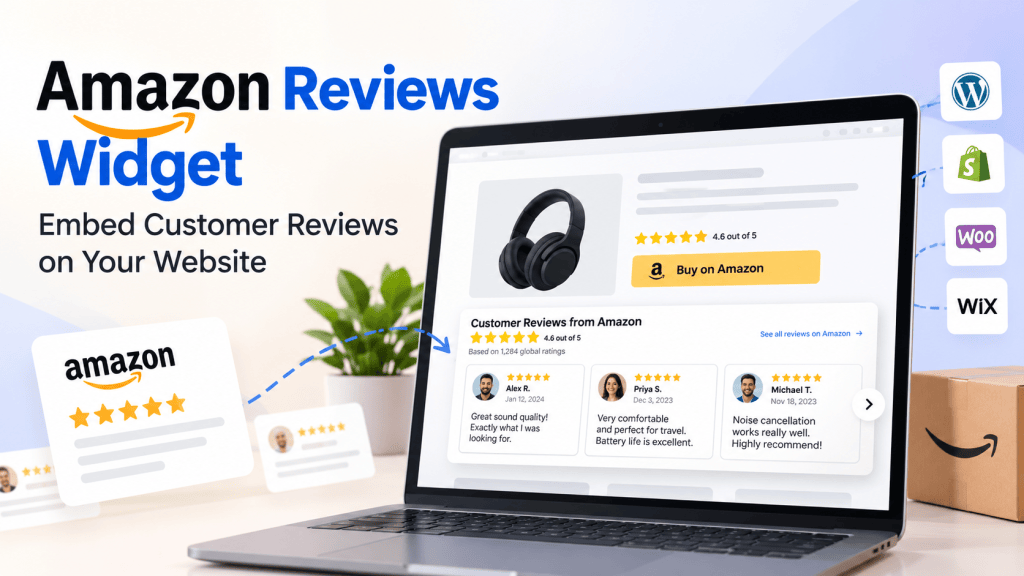
Review Widgets
Taggbox also supports review aggregation from platforms like:
- Yelp
- Airbnb
- Amazon
- TripAdvisor
These review widgets are designed for:
- ecommerce stores
- SaaS websites
- agencies
- restaurants
- local businesses
The review layouts look clean and conversion-focused.
Shoppable UGC Galleries
This is one of the platform’s more valuable ecommerce features.
Brands can:
- tag products inside customer posts
- create Instagram-style galleries
- build shoppable feeds
- connect UGC to product pages
This makes Taggbox more than just a social feed tool.
It becomes part of the ecommerce conversion funnel.
AI Moderation & Content Filtering
Moderation matters more than most people realize.
Especially for live hashtag campaigns.
Taggbox includes:
- profanity filtering
- manual moderation
- hashtag filtering
- approval workflows
For brands running public campaigns, these tools are essential.
Taggbox Widgets Explained
Instagram Feed Widget
The Instagram feed widget is clearly one of Taggbox’s flagship offerings.
You can:
- display reels
- create sliders
- build shoppable galleries
- show hashtag feeds
- embed creator content
This works especially well for:
- fashion brands
- beauty stores
- travel websites
- lifestyle ecommerce
LinkedIn Feed Widget
The LinkedIn widget is useful for:
- SaaS companies
- agencies
- B2B businesses
- recruitment brands
Most competitors still have weaker LinkedIn integrations, so this becomes a strong differentiator.
Google Reviews Widget
This feature likely has the strongest commercial value overall.
Displaying Google Reviews directly on product or landing pages helps reinforce trust immediately.
And unlike screenshots, live widgets update dynamically.
That freshness can improve:
- credibility
- engagement
- conversion rates
Taggbox Social Wall Features
Taggbox still dominates heavily in the social wall space.
Popular use cases include:
- conferences
- webinars
- concerts
- sports events
- trade shows
- weddings
- corporate activations
The platform supports:
- hashtag walls
- live moderation
- digital signage
- real-time updates
- audience participation
This remains one of the company’s strongest differentiators.
Taggbox Pricing (2026)
According to official pricing pages and review platforms, Taggbox offers:
- free forever plans
- monthly subscriptions
- annual plans
- enterprise pricing
Pricing reportedly starts FREE depending on product category and feature access.
What Affects Pricing?
The biggest factors are:
- number of feeds
- views/impressions
- refresh frequency
- moderation tools
- analytics
- collaborators
- integrations
For smaller businesses, entry plans are manageable.
For agencies or high-traffic ecommerce brands, costs can rise significantly.
Pros and Cons of Taggbox Widget
Pros
- Easy onboarding
- Strong widget designs
- Excellent social wall tools
- Good review widget support
- Responsive layouts
- Helpful moderation system
- Broad platform integrations
Cons
- Pricing escalates quickly
- Some features locked behind higher plans
- Product ecosystem can feel fragmented
- Enterprise customization costs extra
Does Taggbox Help SEO?
This is one of the most misunderstood topics around social widgets.
The widgets themselves do not directly increase rankings.
However, they can indirectly support SEO through:
- stronger engagement
- lower bounce rates
- improved trust
- fresh user-generated content
- higher conversion signals
For example:
- review widgets continuously add fresh content
- UGC galleries improve engagement
- social proof keeps users on-page longer
Those behavioral improvements can positively impact overall site quality signals.
That said, widgets alone are not an SEO strategy.
Content quality, topical authority, internal linking, and EEAT still matter far more.
Real User Reviews & Ratings
On review platforms like G2, Taggbox generally receives positive feedback for:
- ease of use
- customer support
- visual customization
- UGC management
Several reviewers specifically praised:
- onboarding experience
- support responsiveness
- engagement improvements (G2)
Common complaints usually involve:
- pricing
- scaling costs
- feature limitations on lower plans
Who Should Use Taggbox?
Taggbox works best for:
Ecommerce Brands
Especially brands leveraging:
- influencer content
- customer photos
- review widgets
- shoppable galleries
Event Marketers
Social walls remain one of Taggbox’s strongest categories.
Agencies
Agencies managing multiple client websites can benefit from centralized widget management.
SaaS & B2B Brands
The LinkedIn feed integrations are particularly valuable here.
FAQs About Taggbox
Is Taggbox free?
Yes, Taggbox offers a free forever plan, though advanced functionality requires paid subscriptions.
What is Taggbox used for?
It is mainly used for:
- social media widgets
- review widgets
- social walls
- UGC campaigns
- shoppable galleries
Does Taggbox support LinkedIn?
Yes. Taggbox includes LinkedIn feed widgets and LinkedIn wall integrations.
Can Taggbox display Google Reviews?
Yes. Google Reviews widgets are one of its primary features.
Does Taggbox slow down websites?
According to the company, widgets are optimized to minimize impact on site speed.
What are the best Taggbox alternatives?
Popular alternatives include:
- EmbedSocial
- Elfsight
- Walls.io
- Curator.io
- Flockler
Final Verdict: Should You Use Taggbox?
Taggbox has evolved far beyond a basic social media aggregator.
In 2026, it feels more like a complete social proof and UGC ecosystem.
The platform excels in:
- visual widgets
- review aggregation
- event social walls
- ecommerce-focused UGC
- ease of use
Its biggest downside is pricing at scale.
Still, if your business relies heavily on:
- social proof
- customer content
- review visibility
- interactive widgets
Then Taggbox is absolutely one of the stronger platforms currently available.
For ecommerce brands especially, the shoppable UGC functionality can become genuinely valuable for conversions and engagement.
And compared to older-generation social feed tools, the UI and widget quality feel much more modern overall.
NOTE: We use our Unbiased content standards and review methodology to provide collect information and present on our blogs at Widgets Code. If you find any information to be misleading or incorrect, feel free to reach us at widgetscode[@]gmail[dot]com





Leave a Reply