Want to show your Instagram photos, Reels, or posts directly on your website without spending money?
A free Instagram widget can make that possible. These tools help you collect Instagram content and display it on your website as a feed, gallery, slider, or widget. You can use them to make your website more visual, showcase your latest posts, and connect your social media presence with your website.
For businesses, creators, bloggers, and small brands, a free Instagram widget can be a simple way to reuse social content without uploading every image manually.
But with so many tools available, which one should you choose?
In this listicle, we’ll look at some of the best free Instagram widget tools, what they offer, and who they may work best for.
What Is an Instagram Widget?
An Instagram feed widget is a website element that displays content from Instagram directly on a webpage.
Depending on the tool, you can display:
- Instagram posts
- Photos and videos
- Reels
- Hashtag feeds
- User-generated content
- Instagram profiles
- Tagged posts
- Instagram mentions
Instead of manually downloading Instagram photos and uploading them to your website, a widget can pull content from Instagram and display it automatically.
Most tools also provide an embed code that you can add to platforms such as WordPress, Shopify, Wix, Squarespace, or an HTML website.
Why Use a Free Instagram Widget?
A free Instagram widget can be useful when you want to improve your website’s visual content without adding another monthly expense.
Some common benefits include:
- Keep website content fresh
- Showcase Instagram photos
- Display customer-generated content
- Add social proof
- Encourage visitors to follow your Instagram account
- Reduce manual content updates
- Create attractive photo galleries
- Make product and landing pages more engaging
However, “free” does not always mean unlimited. Free plans can have restrictions on the number of feeds, posts, sources, customization options, or views.
So, always check what is included before choosing a tool.
1. Juicer

Juicer is a social media aggregation tool that lets users collect content from different social platforms and display it on a website.
It can be useful if Instagram is not your only social media channel.
You can create a social feed and use it to bring content from supported networks into one website display. This can be helpful for brands that want their website to reflect activity across multiple social channels.
Best for:
- Small businesses
- Social media managers
- Websites using multiple social platforms
- Brands looking for a social feed
Why consider it?
If you want something broader than an Instagram-only widget, Juicer can be worth exploring. Its focus on social media aggregation makes it useful for businesses that want to combine content from different platforms.
2. Taggbox
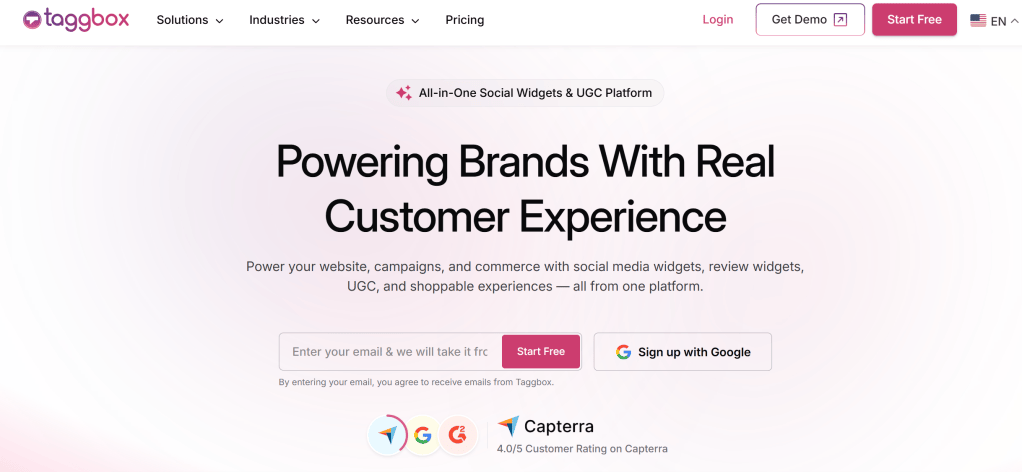
Taggbox is a popular option for embedding Instagram hashtag feeds on websites.
It allows users to collect Instagram content and display it through customizable website widgets. Depending on the setup, you can showcase Instagram posts, Reels, Stories, hashtags, mentions, tagged content, and other supported sources.
One useful feature is the ability to customize the appearance of the feed before adding it to your website. You can adjust the layout and presentation so the Instagram section fits better with your website design.
Taggbox also provides options for moderation, which can be useful when displaying user-generated Instagram content.
The tool can be used with different website platforms, including WordPress, Shopify, Wix, Squarespace, and HTML websites.
Best for:
- Businesses
- Ecommerce websites
- Creators
- Event websites
- Brands using user-generated content
Why consider it?
Taggbox is a good option if you want more than a basic Instagram photo display and need features such as customization, moderation, and automatic content updates.
It also offers a free option, making it worth considering for users who want to start without an immediate paid subscription.
3. LightWidget
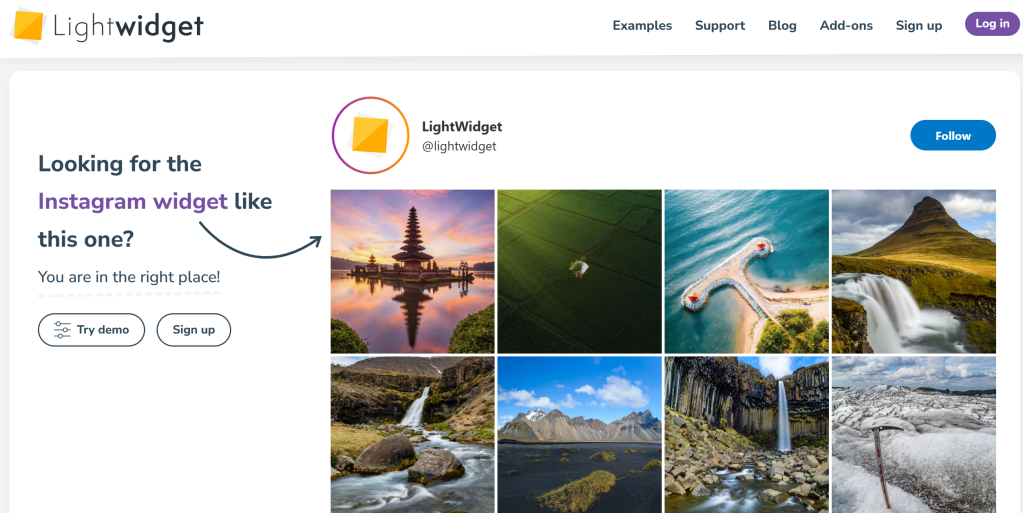
LightWidget is designed specifically for displaying Instagram content on websites.
The tool focuses on creating simple Instagram feeds that can be embedded into a webpage.
Its straightforward approach can work well for users who don’t need a large number of advanced features and simply want to display Instagram photos in a clean layout.
You can create an Instagram feed and add it to your website using the embed code provided by the tool.
Best for:
- Bloggers
- Personal websites
- Small businesses
- Simple Instagram galleries
Why consider it?
LightWidget can be a good choice when your main requirement is to display Instagram content without building a complicated social media section.
Before choosing the free option, check the current plan limitations and supported Instagram features.
4. Elfsight
Elfsight is another option for adding Instagram content to a website.
The platform lets users create social media feeds and embed them into websites without requiring advanced coding knowledge.
You can use it to collect Instagram content and display it through a website widget. Depending on the available source and plan, users can work with different types of Instagram content and customize how it appears.
Elfsight is also useful if you plan to display content from platforms other than Instagram because it works as a broader social media feed solution.
For example, a business may want Instagram content today and later add YouTube, Facebook, X, or Google Reviews to its website.
Best for:
- Businesses
- Agencies
- Bloggers
- Ecommerce websites
- Users managing multiple social platforms
Why consider it?
Elfsight is worth considering if you want an Instagram widget that can also fit into a wider social media content strategy.
Its no-code approach makes it accessible for users who don’t want to work directly with APIs or complicated website development.
5. SnapWidget
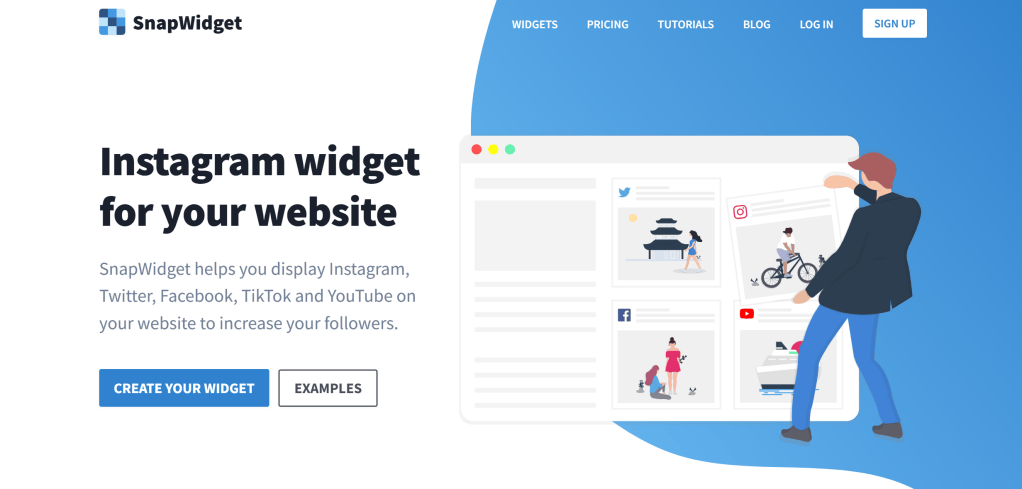
SnapWidget is another tool commonly used to display Instagram content on websites.
It focuses on creating website widgets from social media content. You can use it to create different types of layouts depending on how you want your Instagram content to appear.
For a basic website, an Instagram grid can work well because it allows visitors to see several posts without taking up too much space.
Best for:
- Bloggers
- Creators
- Small websites
- Portfolio websites
Why consider it?
SnapWidget can be useful if your priority is a simple visual Instagram feed rather than a large set of social media management features.
Check the current free-plan limitations because available features can vary between plans.
6. SociableKIT

SociableKIT provides website widgets for social media and other online content.
It can be useful for website owners looking for ready-made embed solutions without wanting to develop the integration themselves.
Depending on the widget and current availability, users can add social content to their websites through an embed process.
Best for:
- Small websites
- Bloggers
- Developers
- Website owners looking for embed widgets
Why consider it?
The platform offers a variety of website widgets, which can be helpful if you eventually want to add other social content to your website.
As with other free tools, check the current Instagram support and free-plan restrictions before using it.
7. POWR
POWR offers a collection of website plugins and widgets, including social media-related options.
Its widget-based approach makes it useful for users who want to add interactive elements to a website without building them from scratch.
Depending on the specific widget and plan, you may be able to customize the appearance and functionality of the content you add.
Best for:
- Small businesses
- Ecommerce websites
- WordPress users
- Website owners using multiple plugins
Why consider it?
POWR can be useful if you want an Instagram-related widget while also having access to other website plugins from the same platform.
However, review the free plan carefully because advanced customization and features may require an upgrade.
8. EmbedSocial
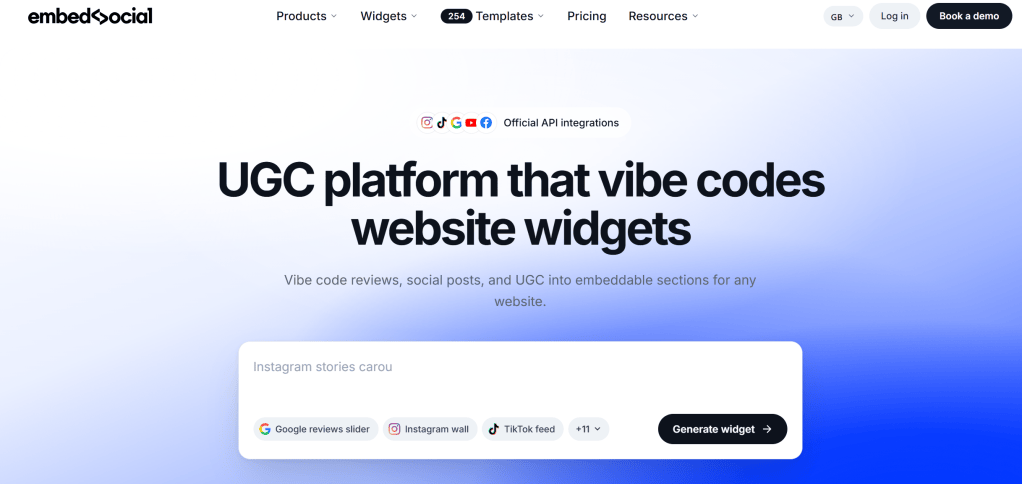
EmbedSocial provides tools for collecting and displaying social media content on websites.
Its platform focuses on social proof and user-generated content, making it useful for brands that want to showcase customer experiences.
For example, a business could use Instagram content to create a visual section showing customers using its products or interacting with its brand.
Best for:
- Ecommerce businesses
- Brands
- Agencies
- User-generated content campaigns
Why consider it?
If your main goal is to turn Instagram content into social proof, a platform focused on social content and UGC can be useful.
As always, check the current free plan to see which Instagram features and limits apply.
How to Choose the Right Free Instagram Widget
The best free Instagram widget depends on what you actually need.
Before choosing one, consider these factors.
1. Instagram Content Support
First, check what the tool can display.
Do you only need Instagram photos, or do you also want Reels, Stories, hashtags, mentions, or user-generated content?
2. Customization
Your Instagram widget should look like part of your website.
Look for options that allow you to adjust layouts, spacing, columns, and other visual elements.
3. Responsive Design
A large percentage of website visitors may use mobile devices.
Make sure the widget automatically adapts to different screen sizes.
4. Automatic Updates
One of the main reasons to use a widget is to avoid updating your website manually.
Check whether new Instagram content automatically appears in the feed.
5. Moderation
If you are displaying content from hashtags, mentions, or customers, moderation can be important.
It gives you more control over what appears on your website.
6. Website Compatibility
Make sure the widget works with your website platform.
Whether you’re using WordPress, Shopify, Wix, Squarespace, Webflow, or HTML, the embedding process should be straightforward.
7. Free Plan Limitations
Finally, check the limits.
A free Instagram widget may restrict:
- Number of posts
- Number of feeds
- Updates
- Customization
- Branding
- Monthly views
- Content sources
Knowing these limits beforehand can save you from switching tools later.
Which Free Instagram Widget Should You Choose?
There is no single best Instagram widget for every website.
If you only need a simple Instagram photo gallery, a lightweight widget may be enough. If you want customization, moderation, automatic updates, and multiple content sources, a more feature-rich platform may be a better fit.
For businesses, it is also worth thinking about future needs. You may start with Instagram photos today but later want to add Reels, user-generated content, or feeds from other social networks.
The best tool is therefore the one that fits your current requirements without making the setup unnecessarily complicated.
Final Thoughts
A free Instagram widget can be an easy way to bring your social media content directly to your website.
Instead of keeping your Instagram photos only on your social profile, you can use them to make your website more visual, showcase customer experiences, and keep pages feeling fresh.
Tools such as Juicer, Taggbox, LightWidget, Tagembed, SnapWidget, SociableKIT, POWR, and EmbedSocial offer different approaches to displaying social content.
Before choosing one, compare its Instagram support, customization, responsiveness, automatic updates, moderation features, website compatibility, and free-plan limits.
Start with what your website actually needs. If a free plan gives you enough features, there is no reason to pay for functionality you won’t use.






Leave a Reply