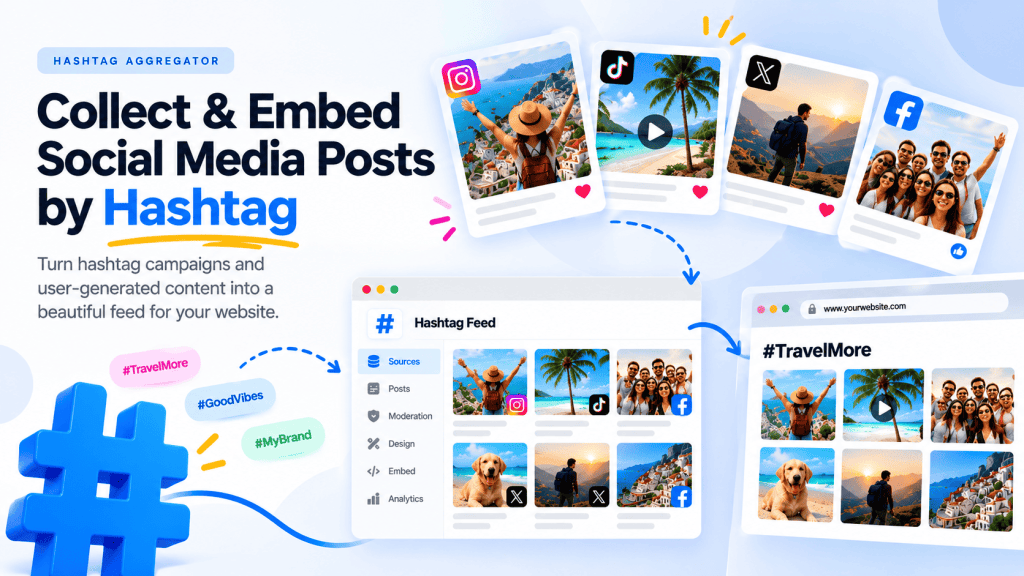
To add an Instagram hashtag feed to your website, use a social media feed aggregator such as Taggbox. It collects hashtag-based Instagram posts from public accounts, allows you to moderate it, customize the feed according to your brand theme and publish the automatically updating feed on any type of website and CMS.
Here’s how to do it:
- Create a Taggbox account
- Connect Instagram and select the hashtag as your content source.
- Enter the Instagram hashtag.
- Customize the feed
- Moderate the content and remove posts you don’t want visitors to see.
- Generate the embed code and add it to your website
Practical Uses of an Instagram Hashtag Feed on Websites
- Events & Conferences — Display event attendee posts using the event’s official hashtag on screens or the event website.

2. Product Launches — Collect public reactions on your new product using product hashtag or brand mentions.

3. Contests & Giveaways— Participant entries submitted through a hashtag can be embedded on your website too.

4. User-Generated Content (UGC) — Showcase real customer content posted on instagram using a particular hashtag to your website.

5. Brand Campaigns— Bring posts from an Instagram campaign together in one continuously updated feed.

6. Trade Shows & Exhibitions— Display posts from exhibitors, visitors, and attendees using the event hashtag on your booking pages.

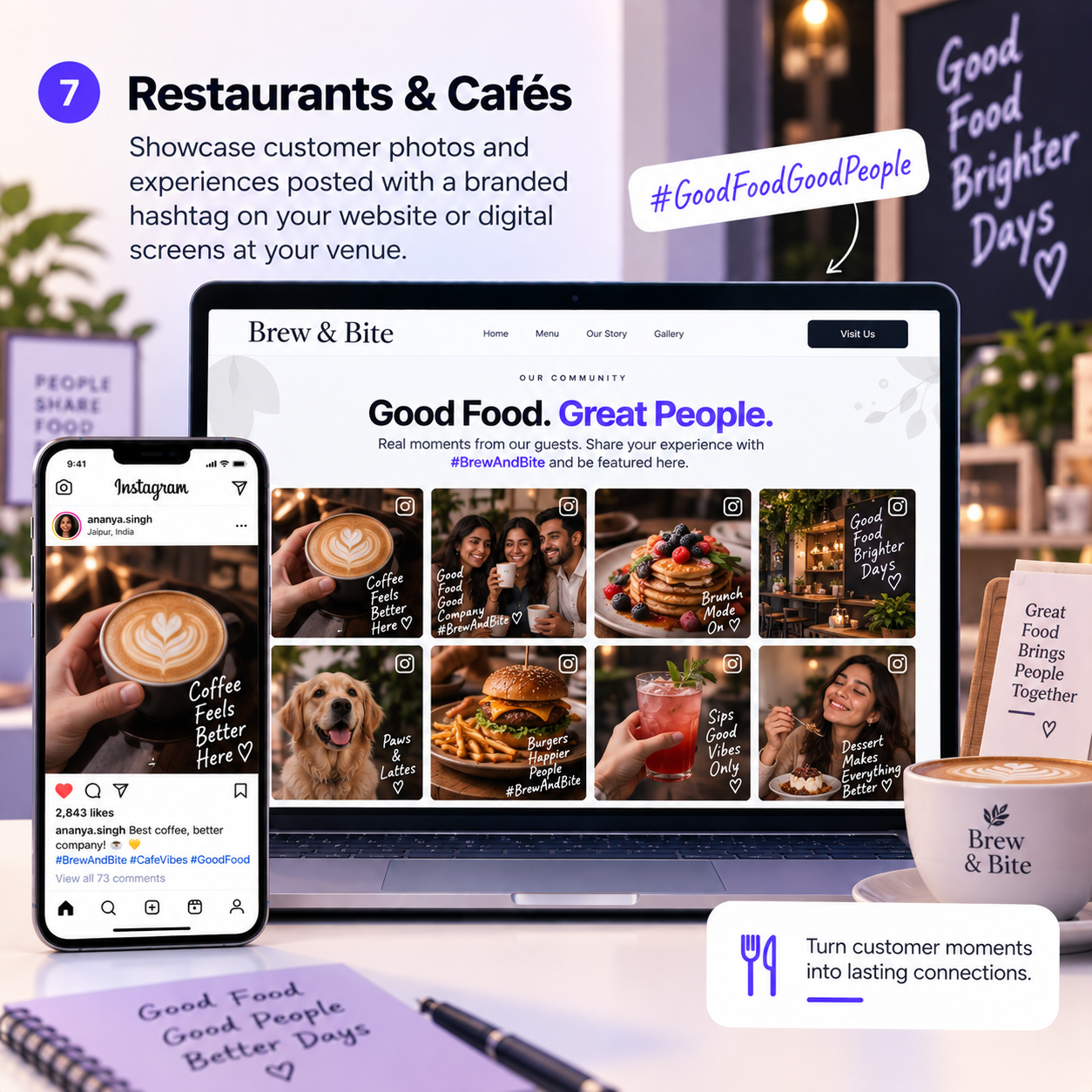
7. Restaurants & Cafés — Showcase customer photos and experiences posted with a branded hashtag or mentions and display them live on your restaurant website or on screens or digital signages at your venue.
8. Travel & Tourism— Curate traveler-generated photos around a destination and display them on your tour pages, this will not only captivate the visitors for traveling to the place but also keep your pages fresh.

9. Fashion & Retail — Display customers wearing or using products and sharing them with a campaign hashtag. This is very good of increasing social proof on your site, with shoppable UGC tools like Taggbox you can also tag products with the hashtag posts and make them shoppable for your website visitors.

10. Community Campaigns —Aggregate hashtag content around a topic to your pages, app or email community.

Tools like Taggbox can help collect, moderate, customize, and embed these hashtag-based feeds on websites and digital displays.








Leave a Reply